We automated the process of monitoring every aspect of the product experience.
Tom Groenewald
Product Experience Manager

Create online forms for free — drag in the fields you need, add logic and publish the form with a link or on your website. No code and no waiting for a developer.






Embed a contact form on your website and send every message straight to your inbox, Slack or CRM instead of copying it by hand.
Sign people up for a training, webinar or conference with seat limits, email confirmation and an attendee list ready to export.
Collect job or programme applications with file uploads, required fields and a notification the moment a new one lands.
Take orders with a product list, calculated totals and a redirect to payment as soon as the form is submitted.
We decrease the drop rate from our surveys by 40% after moving to Responsly

Alice Matyla
CX Manager
Field types in the form creator — text, choice, date, file upload, rating and more
25+
Lines of code needed to publish a form on your site or share it as a link
0
Integrations that submissions can flow into automatically
100+
How much DB Schenker cut its drop-off rate after moving to Responsly
40%
Six steps from a blank page to submissions that land where you already work.
Signing up takes a minute and needs no card. You can build and publish a form on the free plan.
Pick a ready contact, registration or application form and change only what you need.
Text, dropdown, date, address, rating, file upload and signature — over 25 field types you arrange by drag and drop.
Require a valid email or phone number, mark fields as mandatory and reveal follow-up questions based on earlier answers.
Add your logo, colours and custom domain so the form looks like part of your site rather than a stray document.
Share a link or QR code, embed the form on your website, and pass responses on to a spreadsheet, Slack or your CRM automatically.
Need a longer questionnaire rather than a simple form? Try the online survey maker or see how to word your questions.
The form creator runs in your browser — you arrange fields with the mouse and the form looks right on a phone and on a desktop straight away. No plugins, no hosting and no developer needed to collect your first submissions. Conditional logic shows only the fields that matter to a given person, which keeps forms short and drop-off low. Everything lands in one dashboard where you can analyse the responses and export them to Excel.
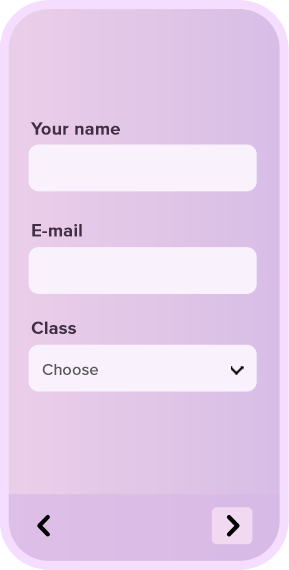
The same form works four ways: as a link, a QR code, a popup or embedded in the page. You paste the embed code once and it works on WordPress, Wix, Shopify and anywhere else, with the form adapting to the width of its container. If you want feedback collected inside your product experience, add website surveys, and reach your contact list with email surveys.

Pick a ready-made form and change the fields, the look and the way you share it in a simple editor.
Every submission can go straight to a spreadsheet, a CRM, Slack or your own system — through 100+ integrations, webhooks and the API.







Text, choice, date, address, rating and more, all drag and drop
Catch a wrong email or a missing field before the form is submitted
Let people attach a document, a photo or a receipt
Show and hide fields based on what has already been filled in
Pass data in the link so nobody retypes what you already know
Your team hears about a new submission the moment it arrives
Send people to a thank-you page, an offer or a payment
Put the form on your site, in a popup or behind a single link
Your logo, colours and domain instead of an anonymous form
Consent checkboxes, retention rules and data stored in the EU
Send submissions to Sheets, Slack, HubSpot or your own webhook
Download the full dataset as Excel or CSV whenever you need it
Keyboard-operable forms, screen-reader labels and contrast-ready themes as standard



We're compliant with General Data Protection Regulation (GDPR) that businesses in Europe must comply with when processing personal data.
USA state of California introduces California Consumer Privacy Act (CCPA) that defines how to handle users' personal data.
All connections are protected by TLS 1.2 and AES with a 256-bit key. Enable 2-Factor Authentication for even better security.
Sign up users with Single Sign-On (SSO) and manage their access to your team. Set permissions and resource access.

We automated the process of monitoring every aspect of the product experience.
Tom Groenewald
Product Experience Manager
Responsly platform help us immediately check the expectations of our employees.
Anna Szpot
Learning & Development Specialist

We decrease the drop rate from our surveys by 40% after moving to Responsly
Alice Matyla
CX Manager
Responsly platform help us get to know our customers better and increase the quality of our services.
Aneta Pezda
Internal Communication Specialist

Monitoring customer experience is easy with Responsly. The survey builder is incredibly user-friendly.
Robert Blok
Customer Experience Manager


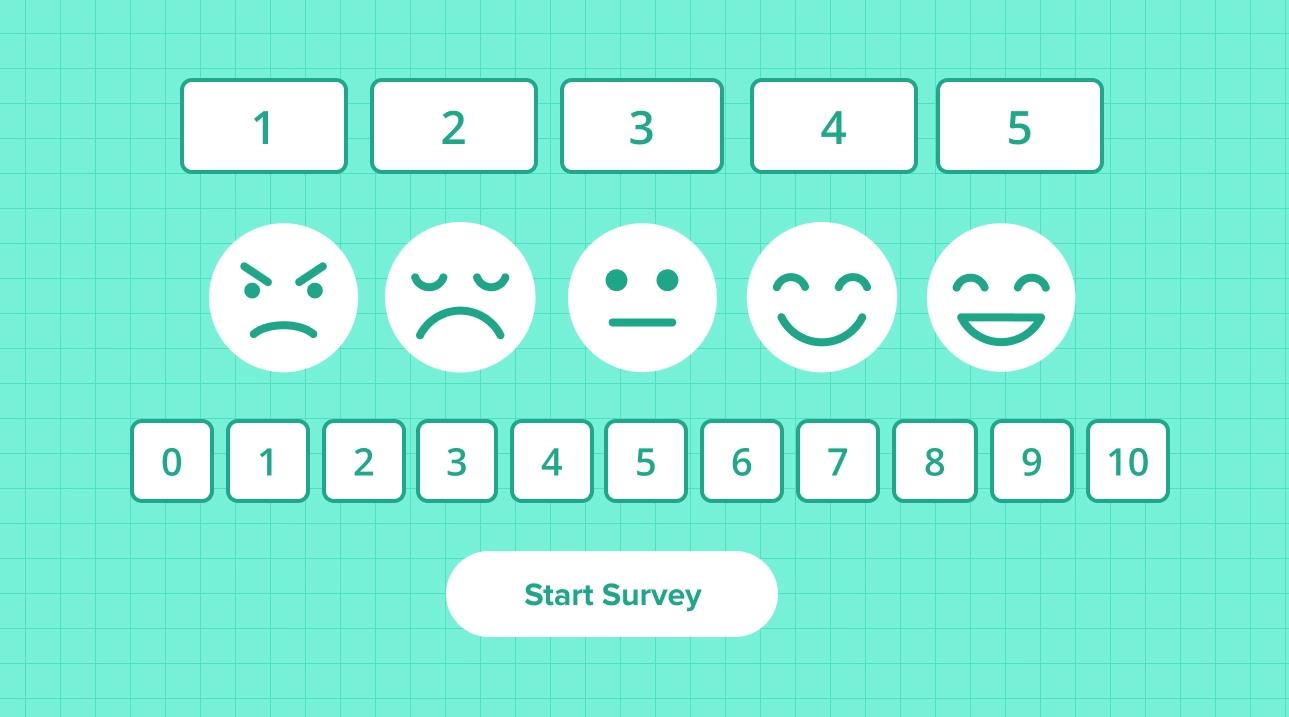


You can modify this template in every possible way.
All templates work great on every device.
Use template Open form in a new window