


Responsly platform help us immediately check the expectations of our employees.
Anna Szpot
Learning & Development Specialist

Create surveys that people want to complete — with AI, templates, and powerful analytics.
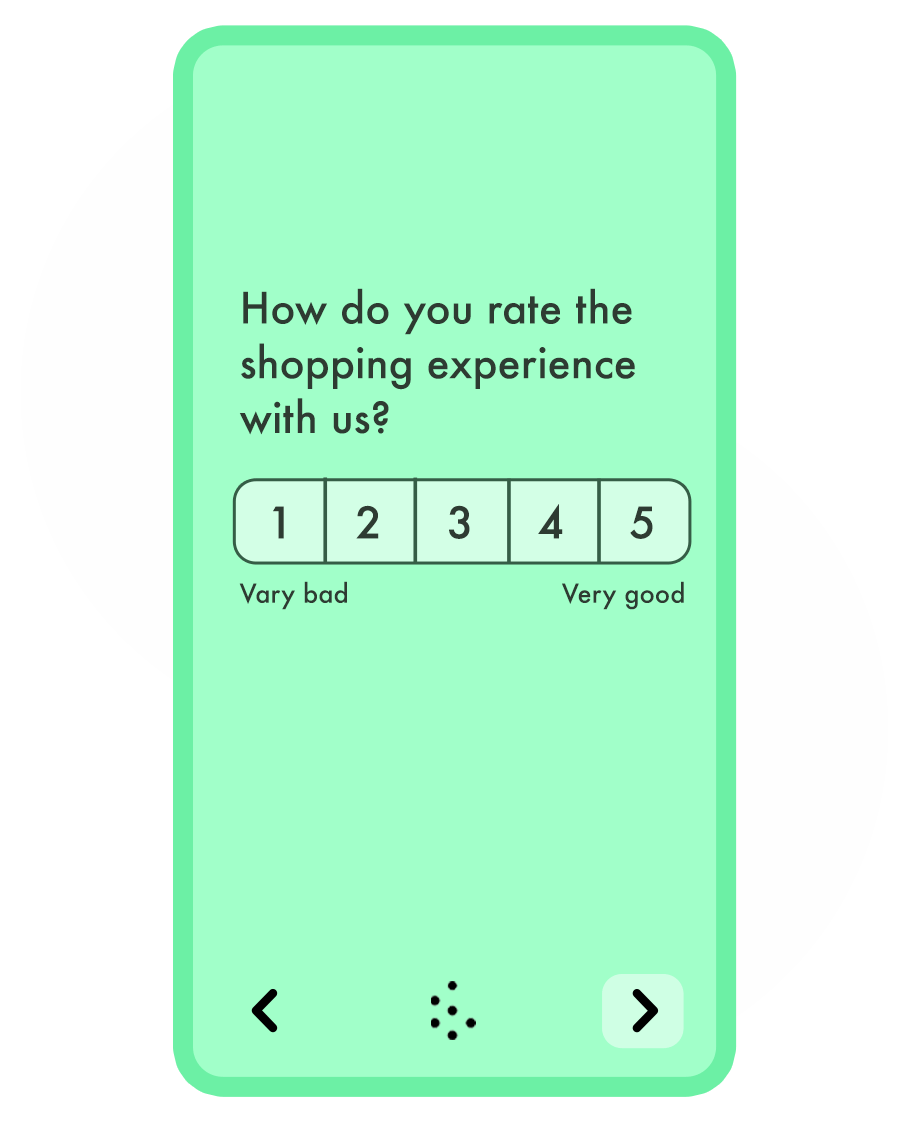






Build professional surveys with logic, branching, templates, and on-brand design—easy to start, with advanced features when you need them.
Monitoring customer experience is easy with Responsly. The survey builder is incredibly user-friendly.

Robert Blok
Customer Experience Manager
Run exit and at-risk surveys, spot the early warning signals, and act before customers leave.
Replace agency studies with surveys your team fields in-house, from screener to report.
Measure satisfaction at every touchpoint and uncover the moments that shape loyalty.
Validate ideas with concept tests and pricing surveys before engineering writes a line of code.
Of surveys are answered on a phone or tablet — the builder is mobile-first
62%
More answers than other popular survey tools
2×
Question types, from NPS and CSAT to matrices, rankings and open text
25+
Average satisfaction score for Responsly support
98%
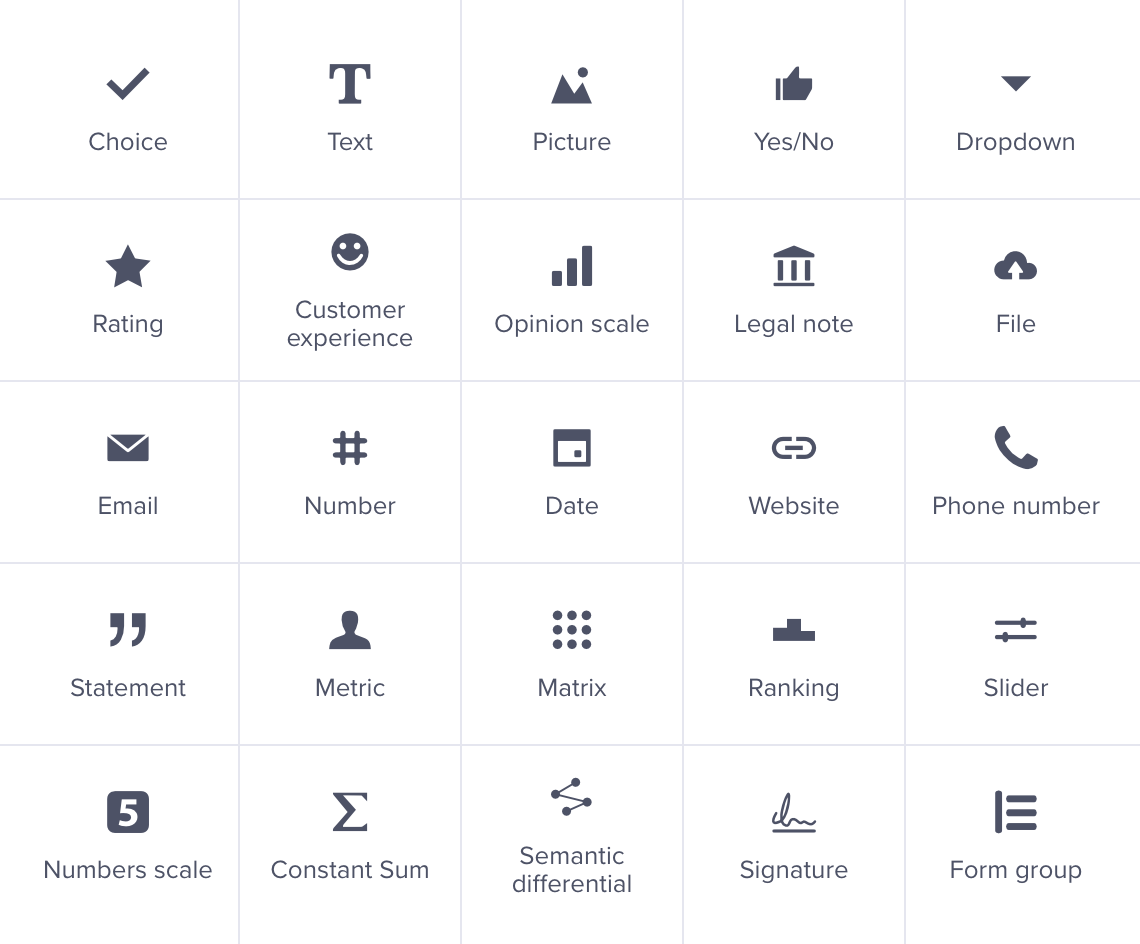
Add question types that make people want to answer. Choose from over 25+ different question types, ranging from simple to advanced. With this wide selection, you'll find everything you need to engage your audience.
More about question types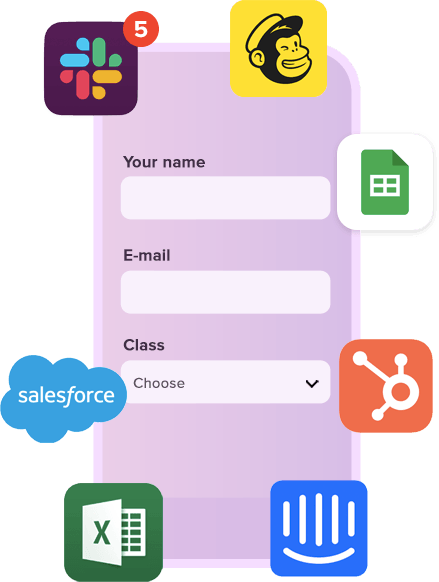
Automate your workflows with our automation tools. Schedule the sending of surveys and create custom notifications. Integrate your form with over 100 apps, or create a custom integration using our API.
All Integrations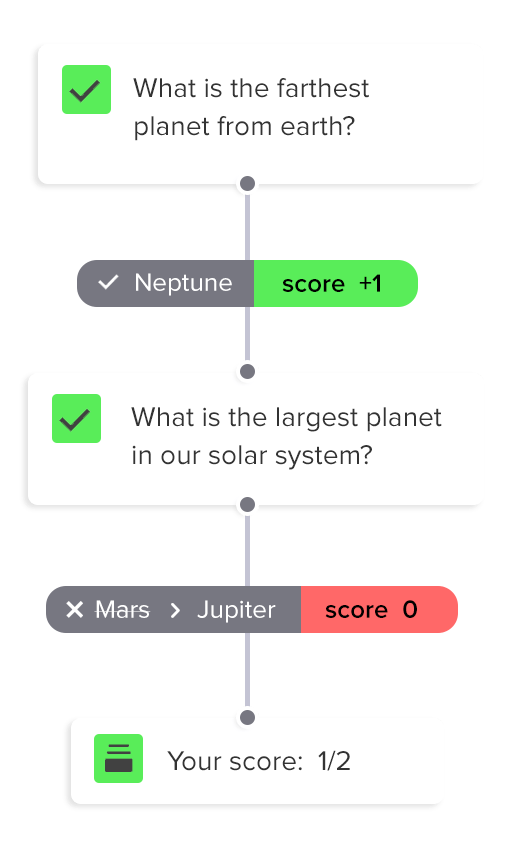
Use calculator to compute scores, prices, and other variables based on people's responses. You can display the scores wherever you want and create different end pages based on the score.
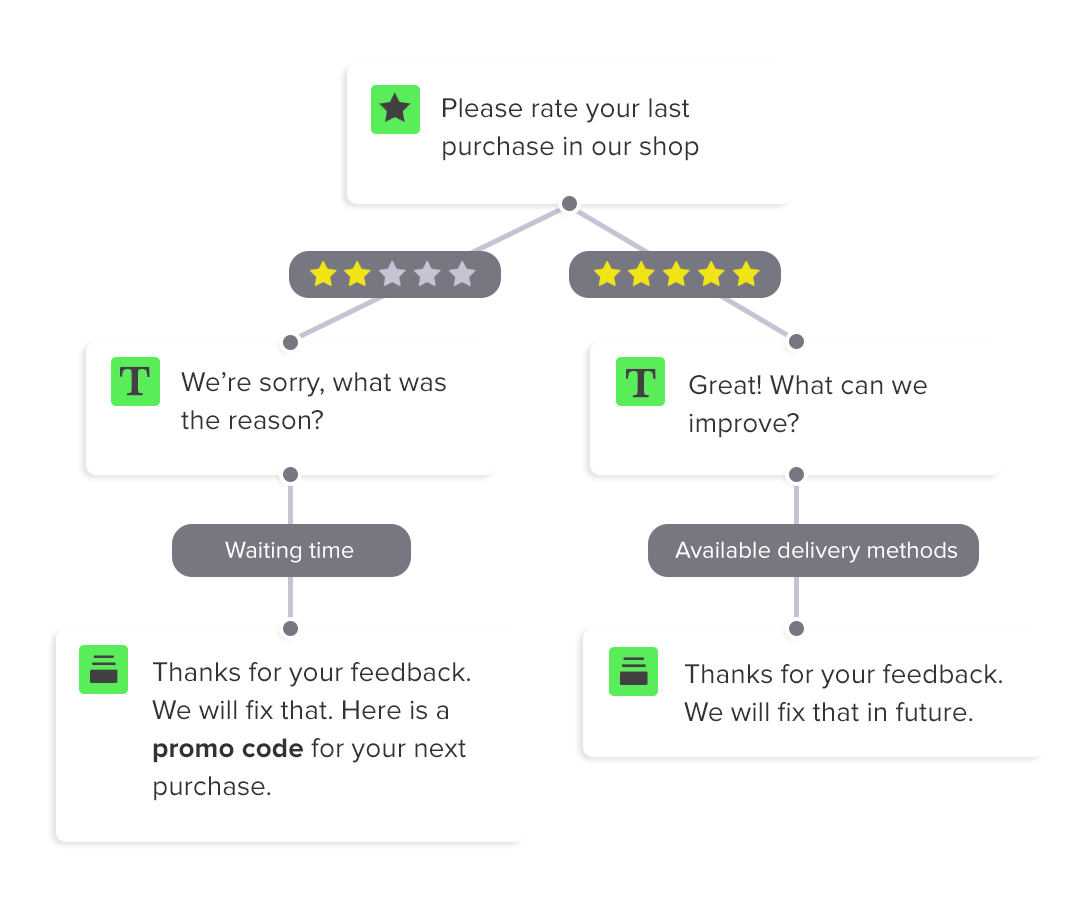
In a survey, only certain respondents need to see all the questions. To achieve this, show people only the questions that are relevant to them. You can easily hide other questions using skip logic rules.

Pass the information you know to the form and display it where you want. You can personalize the form by welcoming people with their name, or leave a promo code after they complete the survey.

Create multiple translations for a single survey. Allow respondents to select their preferred language or switch between languages. You can also automate translations by using translation services.
Prefer step-by-step instructions? See our how to create a survey guide.
Responsly is survey software that works across the whole organization. Build surveys online, collect feedback and analyze results in one GDPR-compliant tool, whatever department you sit in.
Measure NPS, CSAT and CES after every customer interaction and act on feedback in real time.
Track employee engagement and satisfaction with pulse surveys, 360° reviews and onboarding checks.
Collect user feedback and validate ideas with in-app and website surveys.
Run market research, concept tests and satisfaction surveys without outsourcing them to an agency.
Describe what you want to learn and the AI survey generator drafts the whole thing: it picks the right question types, sets up skip logic and calculations. You decide what stays and what gets rewritten.
Write one sentence about your goal and your audience. Seconds later you have a questionnaire with questions, scales and ending pages.
Paste a list of questions from a doc or spreadsheet. AI recognizes the question types, splits them into pages and turns them into a working survey.
Move surveys over from Google Forms, SurveyMonkey or Typeform without rewriting them — the structure and logic are rebuilt in the builder.
We carefully created a selection of the most popular survey and form templates. You can customize them in every possible way with our super-easy form editor.
Connect tools that you are using, Responsly easily integrates with multiple apps.







Build a strong brand identity that reaches customers at every point of contact. Use an easy-to-use survey maker and design your unique theme. Send beautiful surveys that respondents will enjoy filling in.
More about survey design
Describe what you want to learn and get a ready draft in seconds
Rating scales, matrices, ranking, file upload, NPS and more
Every respondent only sees the questions that apply to them
Reuse earlier answers, variables and scores later in the survey
Add up points, build indexes and show a result at the end
One survey, many languages, with automatic language detection
Match your fonts, colours and logo, or start from a ready theme
Hundreds of expert-built surveys you can send as they are
Split long questionnaires into steps with a progress bar
See exactly how the survey looks on desktop, tablet and phone
Share projects, work in folders and keep everything in one account
Charts and cross-tabs update as the answers come in
Keyboard-operable surveys, screen-reader labels and contrast-ready themes as standard



We're compliant with General Data Protection Regulation (GDPR) that businesses in Europe must comply with when processing personal data.
USA state of California introduces California Consumer Privacy Act (CCPA) that defines how to handle users' personal data.
All connections are protected by TLS 1.2 and AES with a 256-bit key. Enable 2-Factor Authentication for even better security.
Sign up users with Single Sign-On (SSO) and manage their access to your team. Set permissions and resource access.

Responsly platform help us immediately check the expectations of our employees.
Anna Szpot
Learning & Development Specialist
We decrease the drop rate from our surveys by 40% after moving to Responsly
Alice Matyla
CX Manager

Responsly platform help us get to know our customers better and increase the quality of our services.
Aneta Pezda
Internal Communication Specialist

Monitoring customer experience is easy with Responsly. The survey builder is incredibly user-friendly.
Robert Blok
Customer Experience Manager
Our clients fell in love with quizzes and surveys





You can modify this template in every possible way.
All templates work great on every device.
Use template Open form in a new window